
How to deliver big orders in batches over time, without asking the customer
2026년 11월 16일

Marcus Reed
Head of Storefront Operations
Fifty thousand followers in one go is the delivery that drops. Set a pace on the service, for example 2,000 every hour, and every order follows it. Video and screenshots.
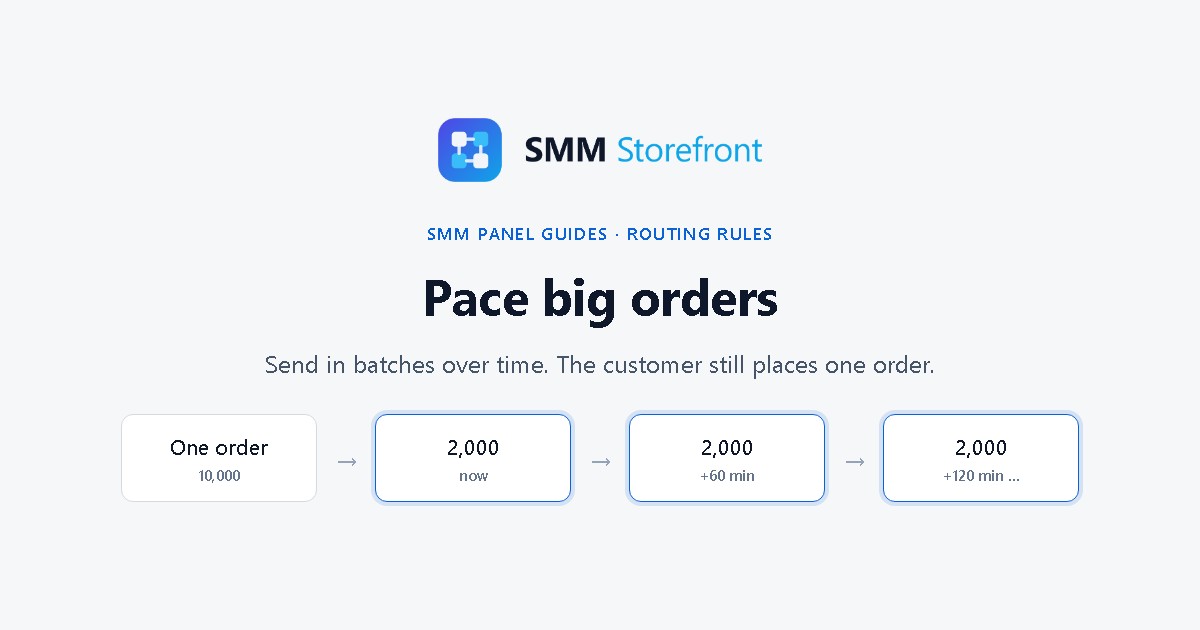
Prefer to watch? The video covers everything below in about a minute.
The problem
A big order delivered all at once looks wrong to the platform and tends to drop, which means refills and tickets. Drip-feed solves it, but only when the customer knows about it and remembers to switch it on. The ones placing the biggest orders through the API usually do not.
What the panel does
You set the pace on the service's forwarding rule: a batch size and an interval. Every order on that rule is then sent to the provider in batches, whatever the customer chose. They still place one order and see one status.
Set it up
1. Open More options
Open Services, click Forwarding rules in the strip at the top, open the rule named after your service, and expand More options.
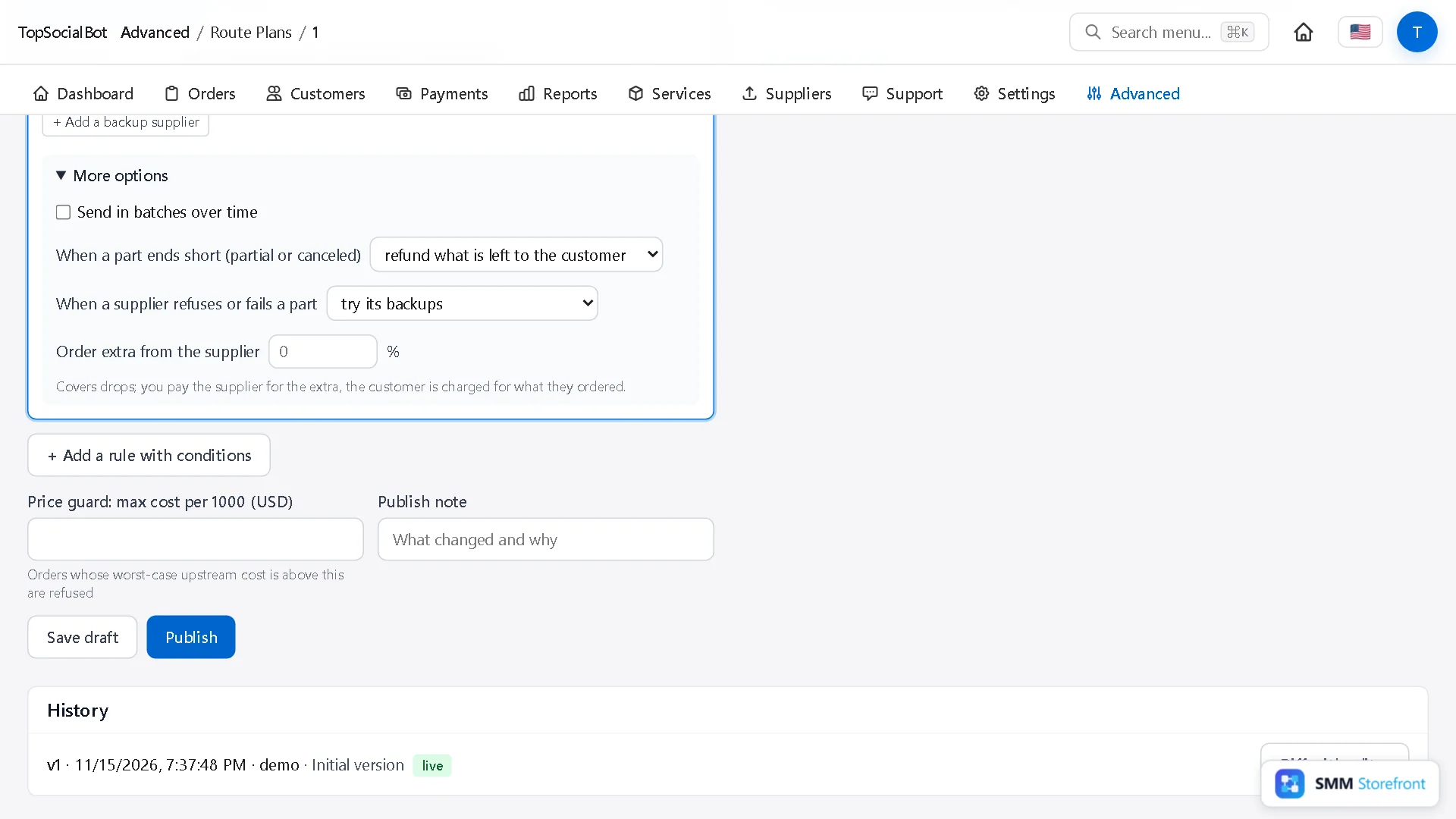
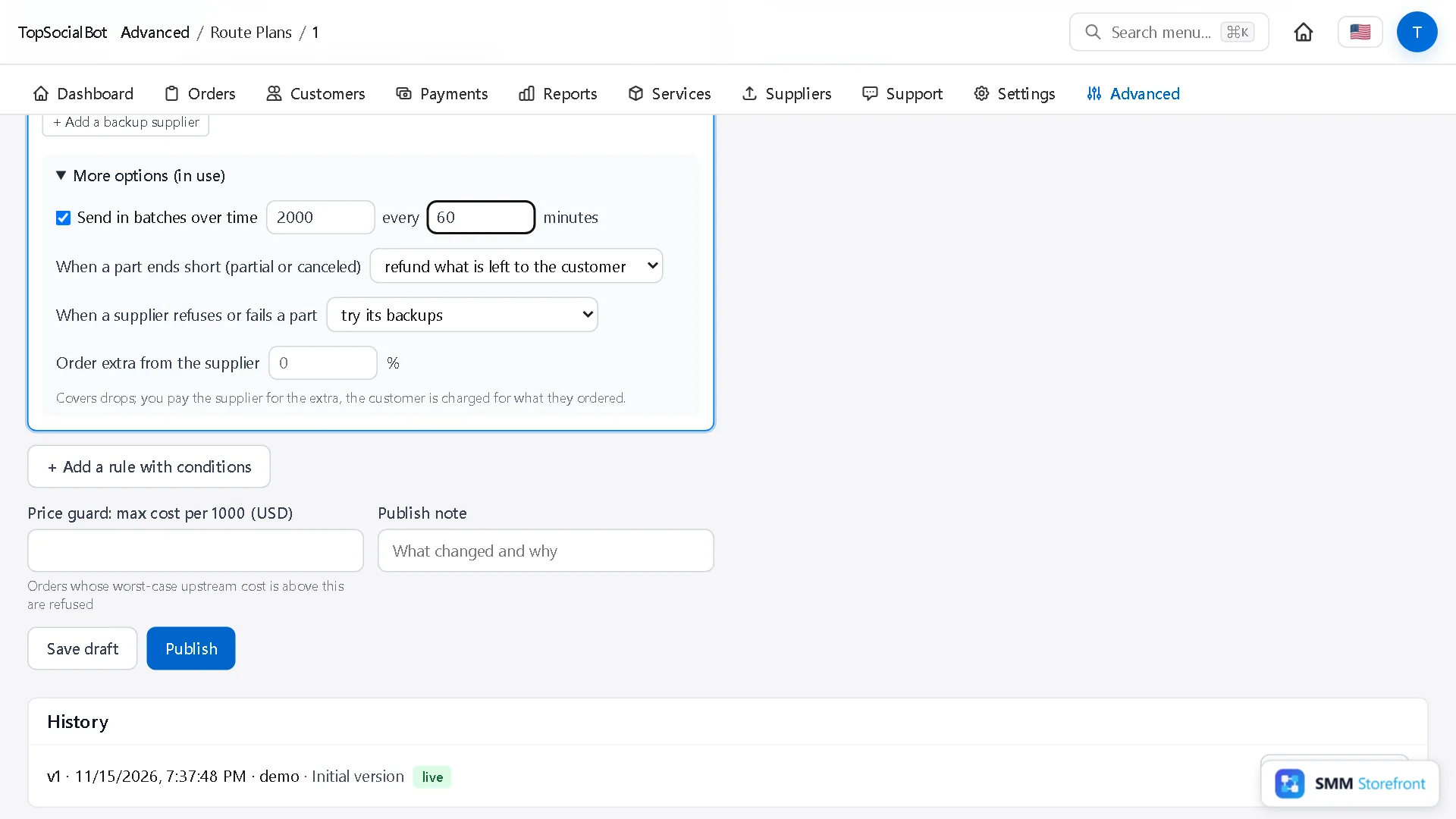
2. Tick "Send in batches over time"
Set the batch size and how many minutes between batches. Here: 2,000 every 60 minutes.
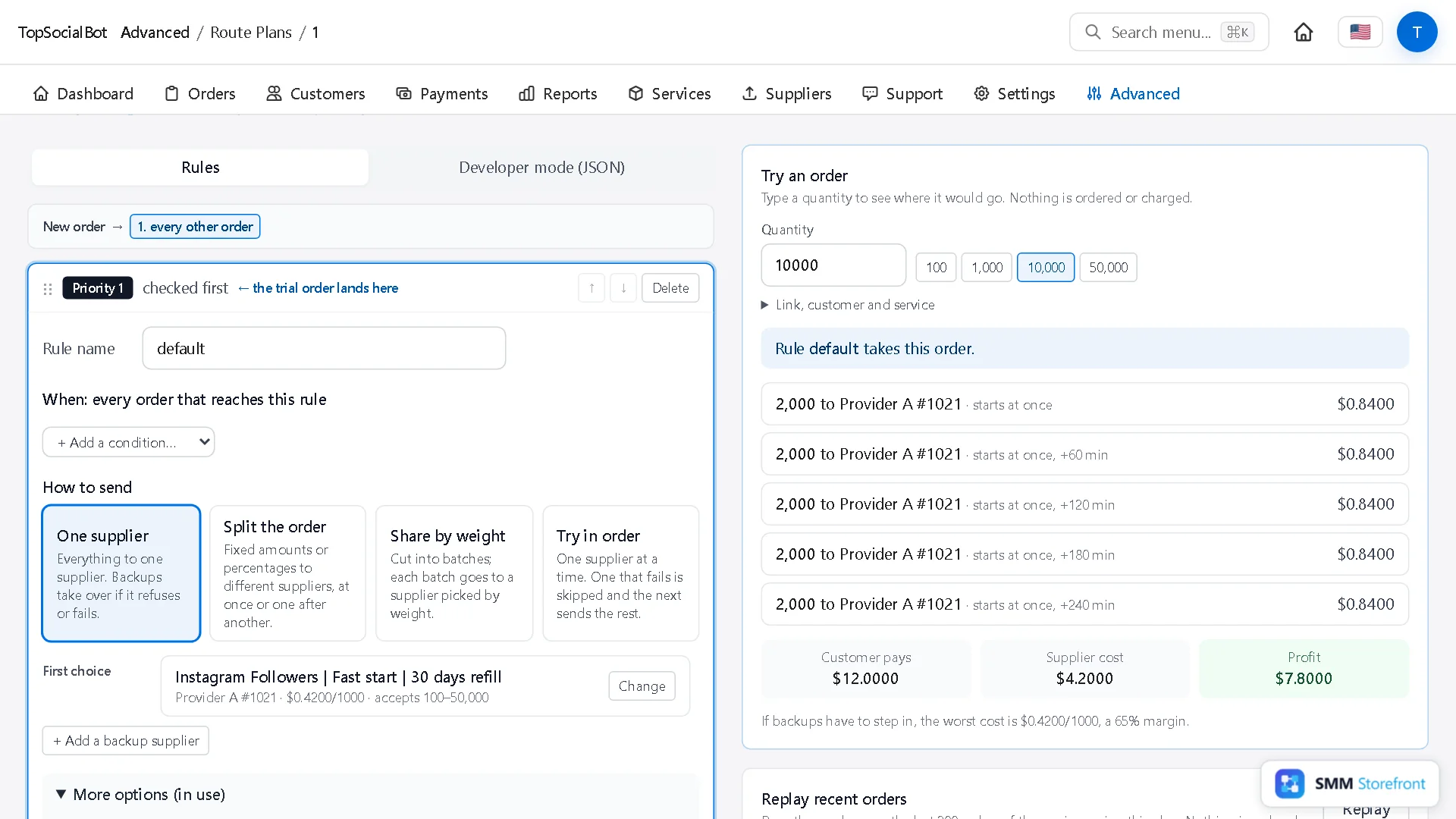
3. Try an order
Try an order shows the schedule for a quantity. 10,000 goes out as five batches, at once, +60, +120, +180 and +240 minutes. The total cost is the same as sending it in one go.
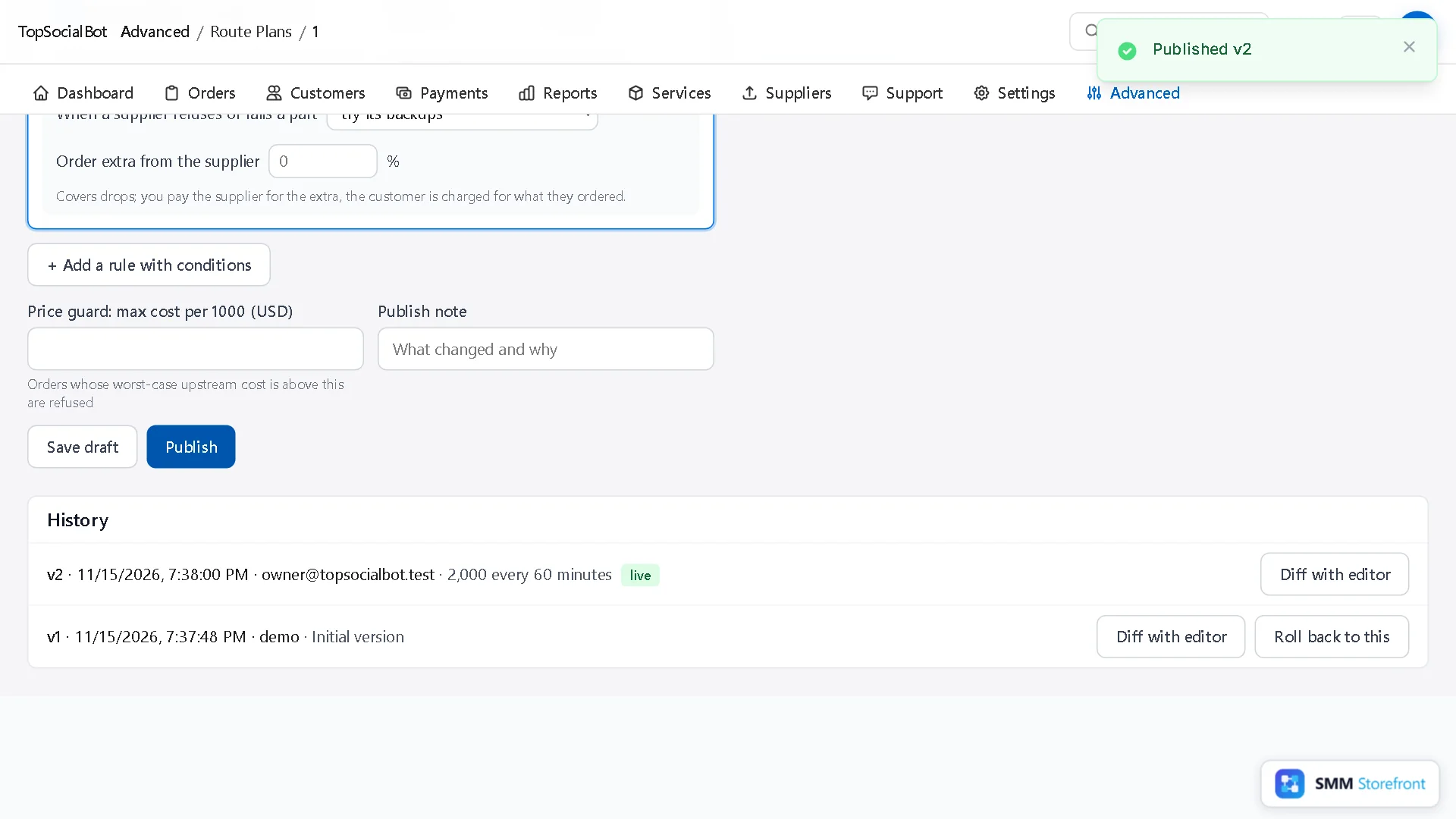
4. Publish
Add a note and click Publish.
Choosing the numbers
| Setting | Rule of thumb |
|---|---|
| Batch size | At or above the provider's minimum, and small enough to look natural for the platform. |
| Interval | Long enough for the provider to finish a batch. A big order then takes batches × interval to complete, so check that against what you promise customers. |
One after another, without a clock
If you would rather wait for each part to finish than wait a fixed time, use Try in order with a batch size, or Split the order with a part that starts when the previous part ends. The next batch then goes out only when the last one is done.
Questions
Does pacing change what the order costs?
No. The batches add up to the same quantity at the same rate; only the timing changes.
Can big and small orders have different paces?
Yes. Add a rule for a quantity range and set the pace on that rule only.
What to do next
- How to send what a provider did not deliver to another providerHave another provider finish what the first one did not deliver, instead of refunding it.
- How to route orders by size, or split one order between providersSend small and big orders to different providers, or split one order between two.
- How to make sure a supplier price rise never makes you sell at a lossMake sure a supplier price rise shows up as a warning and never as a loss.
About the author

Marcus Reed
Head of Storefront Operations
Former SMM panel operator. Writes about launch timelines, payment routing, and what resellers need before day one.