
How to send different links to different providers from one service
১৬ নভেম্বর, ২০২৬

Marcus Reed
Head of Storefront Operations
Reels, live videos and company pages often need another provider. Instead of duplicate services, let one service read the link and pick the provider. Video and screenshots.
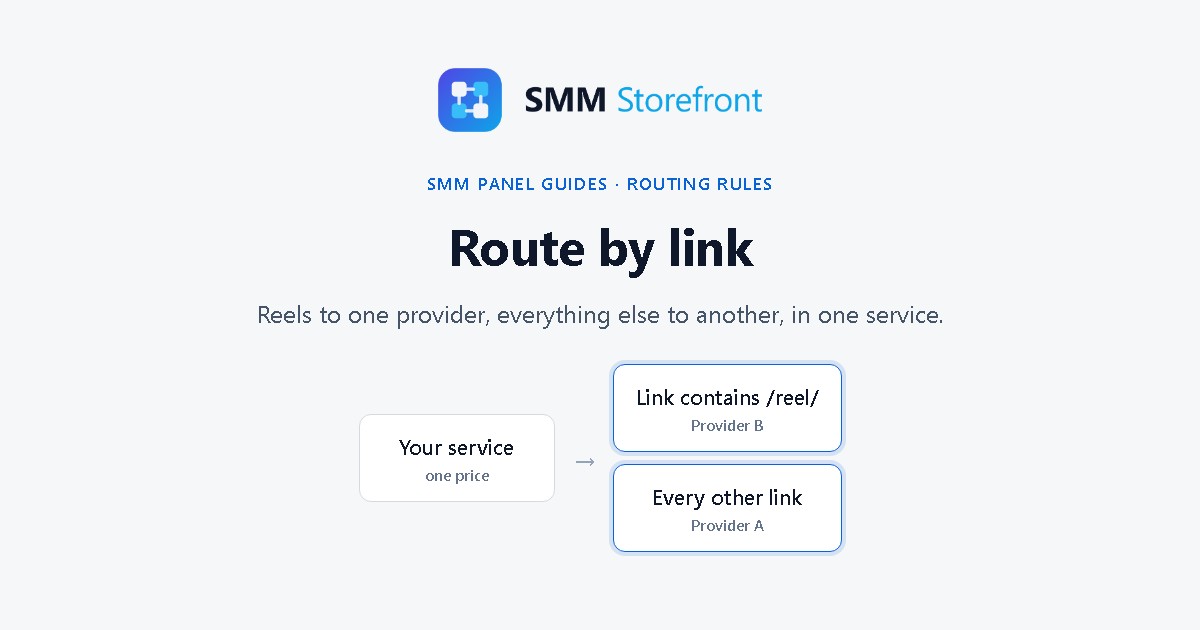
Prefer to watch? The video covers everything below in a little over a minute.
The problem
The provider that is good at likes on posts is often not the one for Reels, live videos or company pages. The usual fix is a second and third service: "Likes", "Likes for Reels", "Likes for Live". Then customers pick the wrong one, the order fails or goes to the wrong place, and you get a ticket.
What the panel does
A rule in a service's forwarding rule can apply only to orders whose link contains some text. One service then sends Reel links to one provider and everything else to another. The customer sees a single service and cannot choose wrong.
Set it up
1. Open the forwarding rule
Open Services, click Forwarding rules in the strip at the top, and open the rule named after your service.
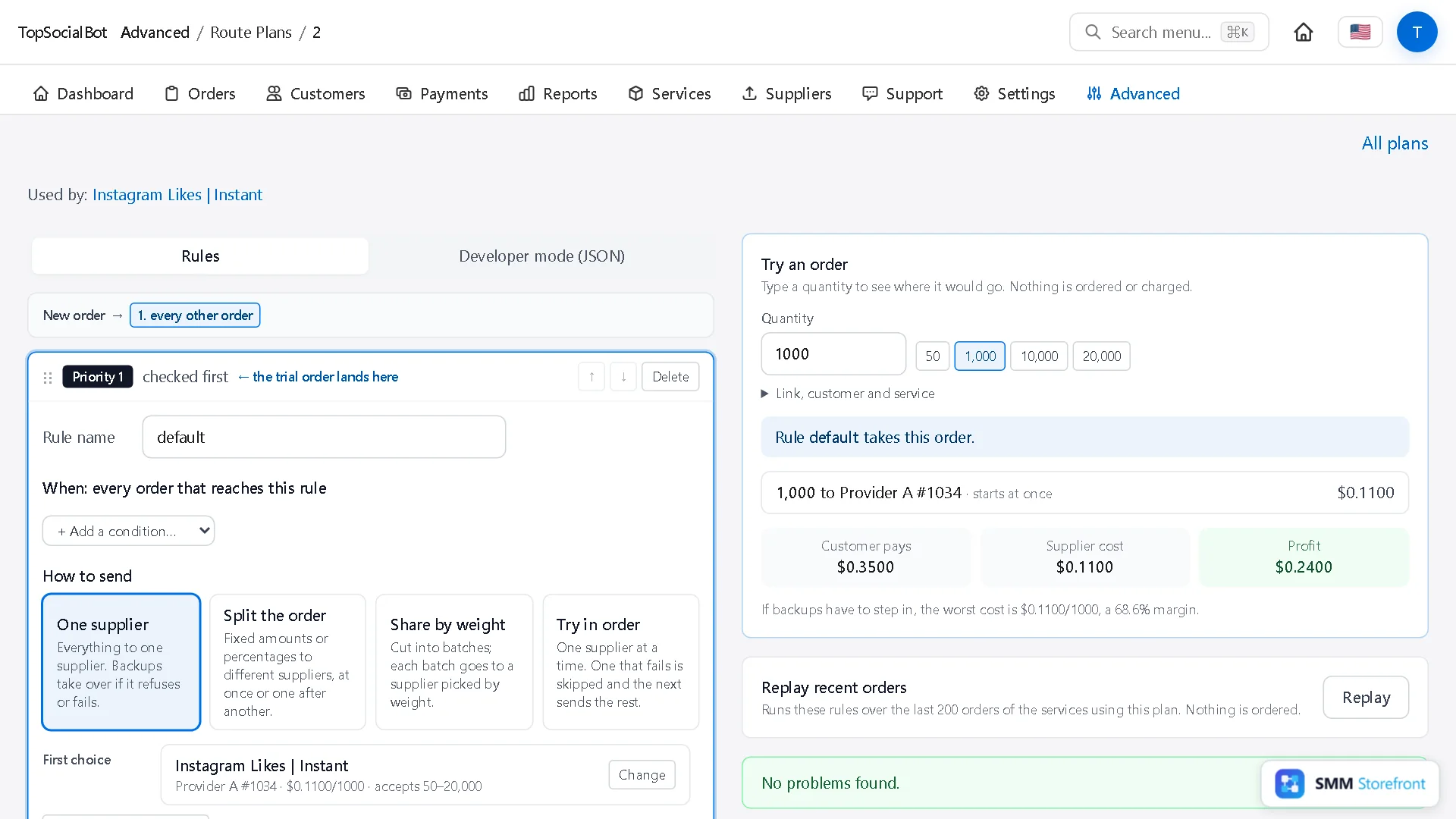
2. Add a rule that looks at the link
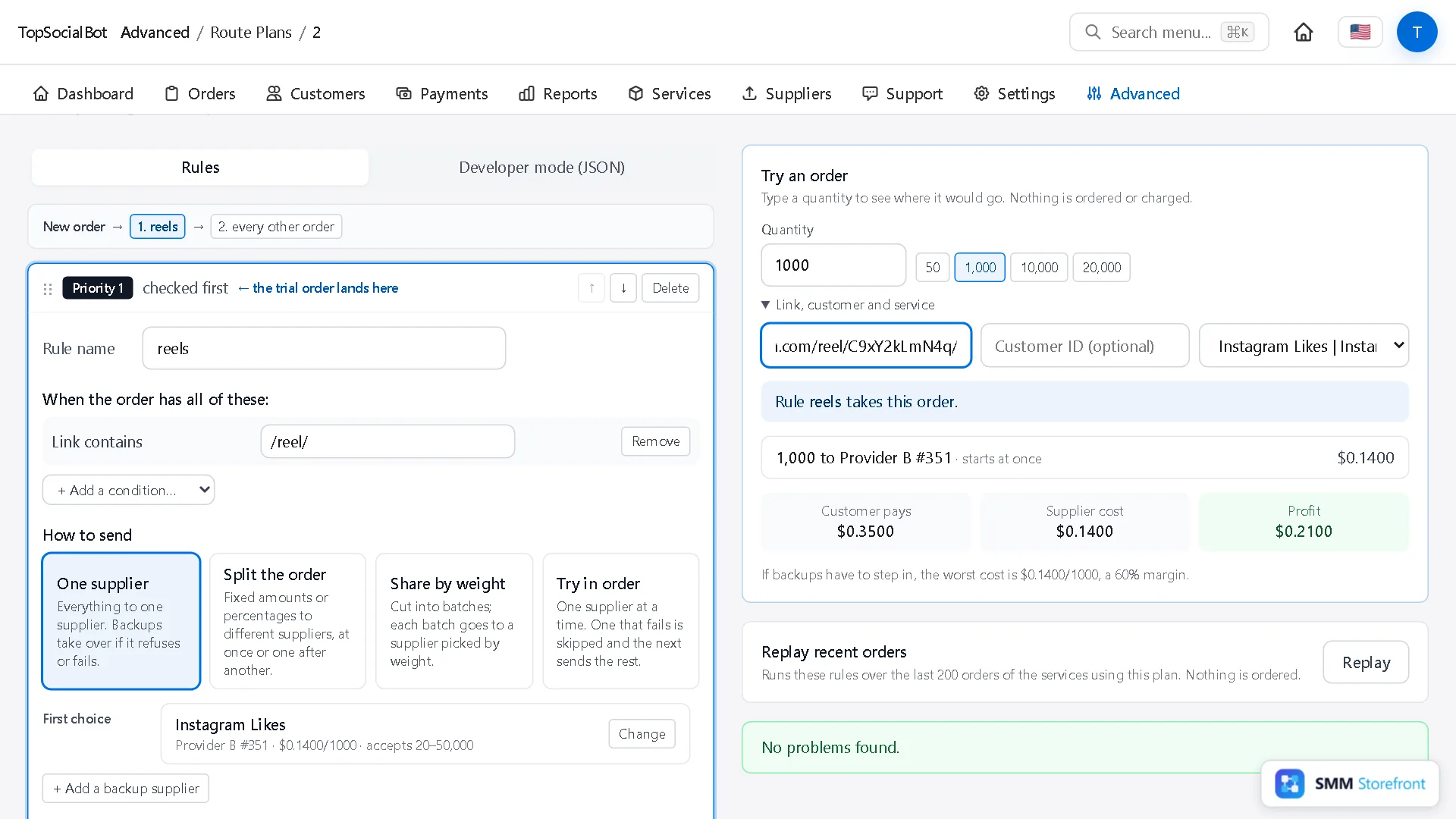
Click + Add a rule with conditions and name it. A new rule starts with a quantity condition: remove it, then pick Link contains from + Add a condition… and type the text to look for, here /reel/.
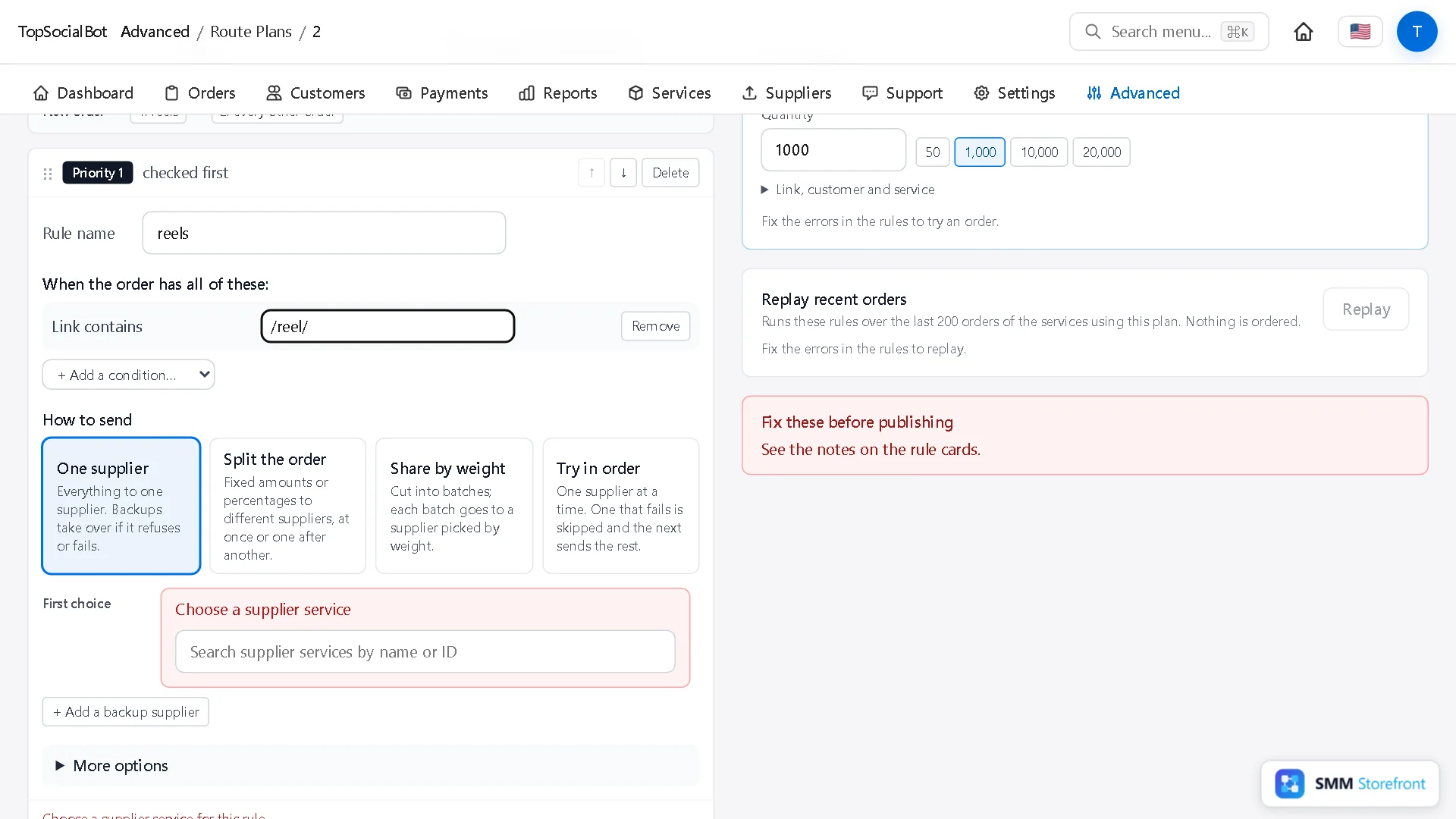
3. Choose its provider
Under First choice, pick the supplier service that handles those links.
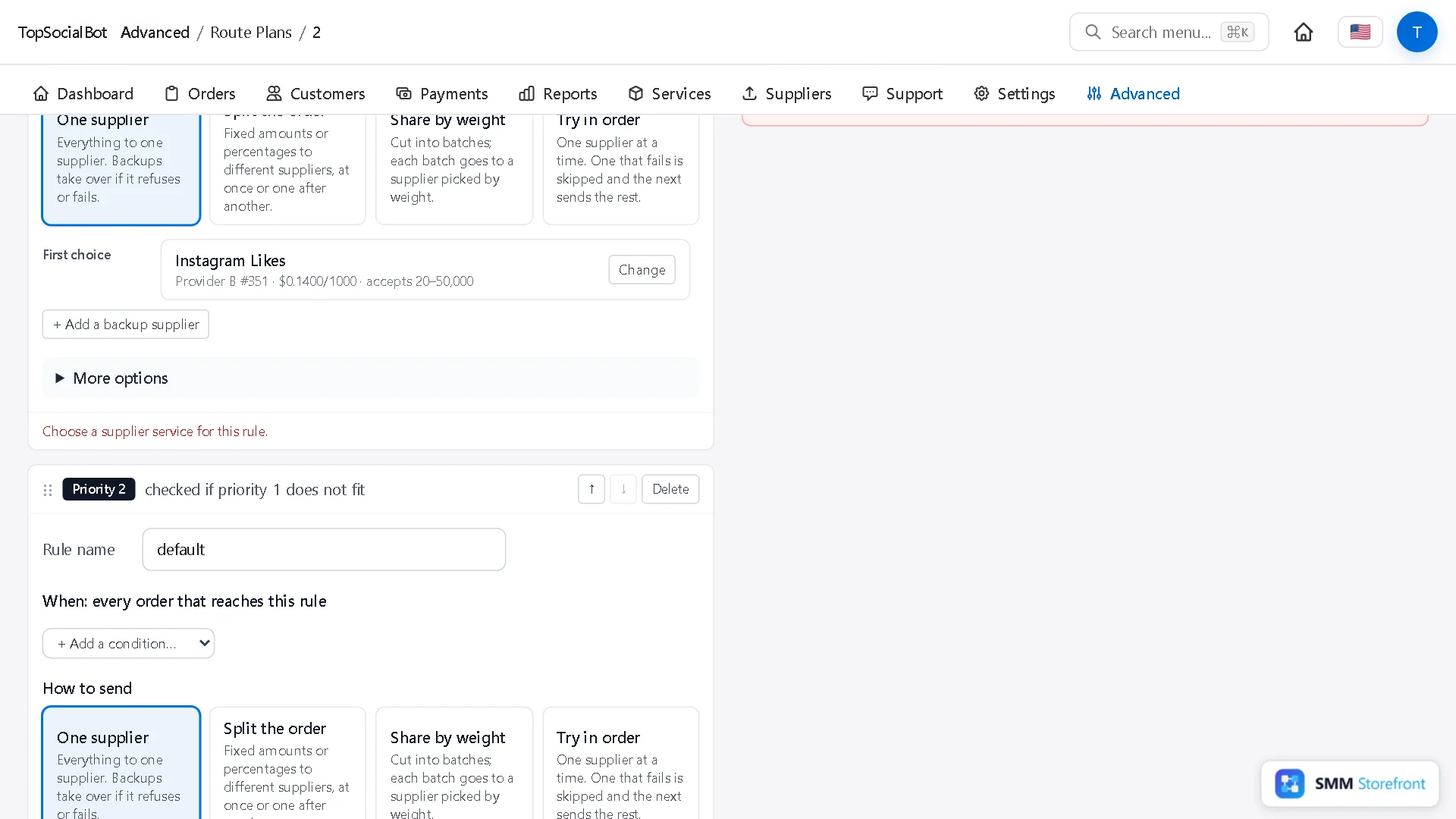
4. Try real links
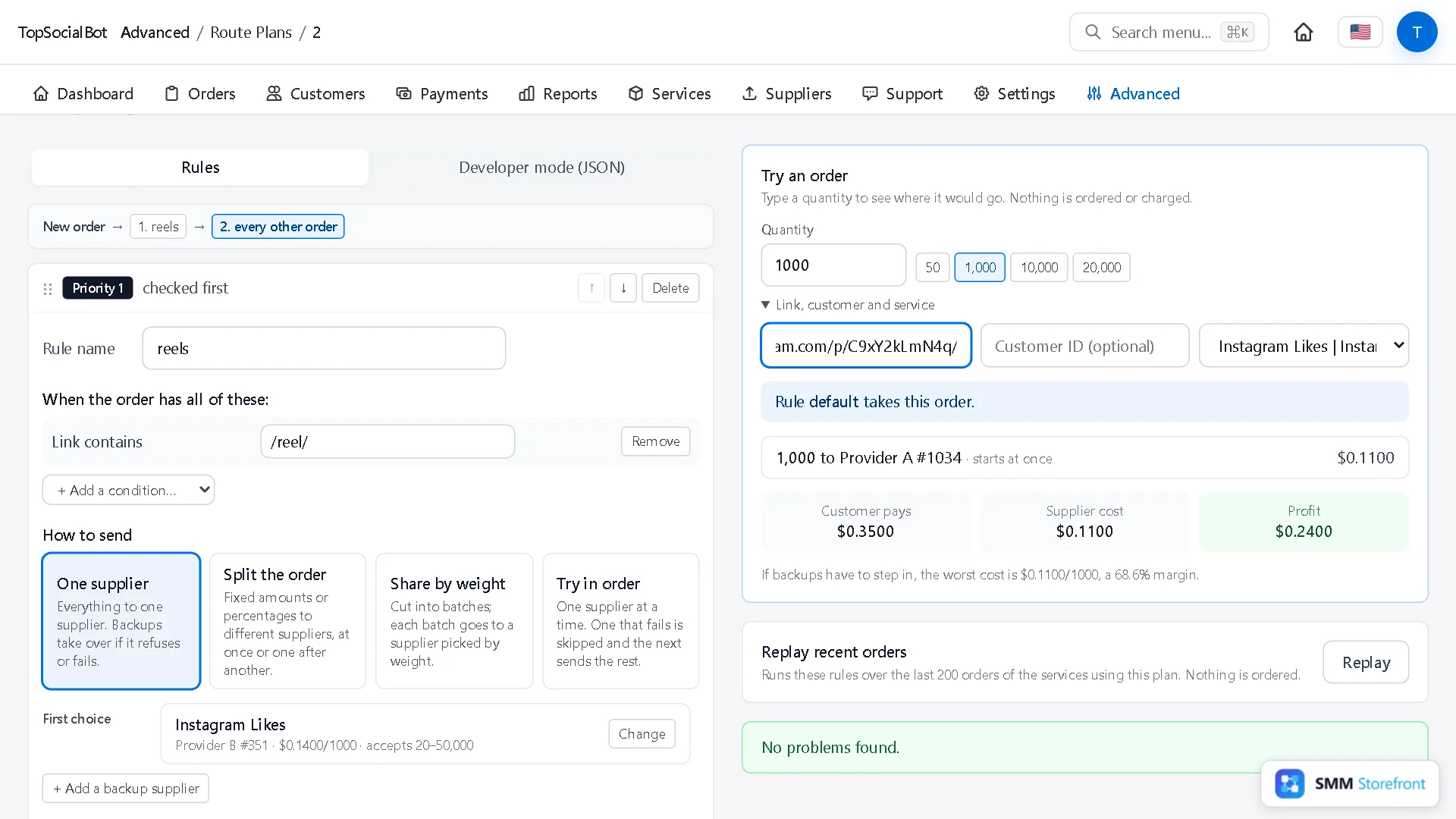
In Try an order, open Link, customer and service and paste a link. A Reel link lands on the new rule; a normal post link falls through to the default one.
5. Publish
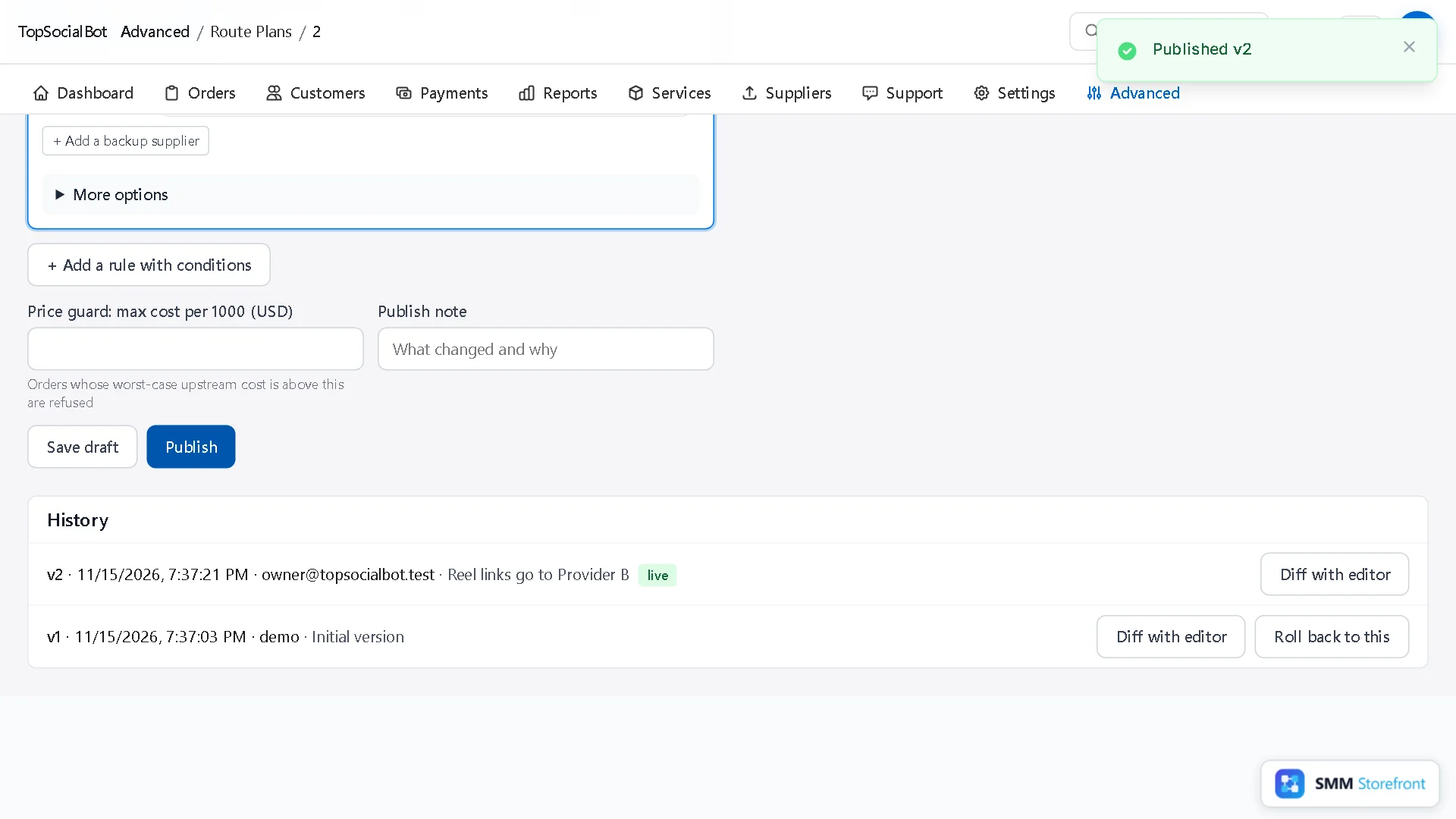
Add a note and click Publish.
Good to know
| You want | Do this |
|---|---|
| Several patterns to the same provider | One rule per pattern, each with that provider. |
| A pattern and a size together | Add both conditions to one rule: it applies only when all of them fit. |
| A different price for Reels | That needs its own service: a rule changes the provider, not the price. |
Questions
Is the match case-sensitive?
Type the text as it appears in the links you get, usually lowercase. Test a few real links in the trial before you publish.
What about orders placed through the API?
The same rule applies: the link comes with the order either way.
What to do next
- How to route orders by size, or split one order between providersSend small and big orders to different providers, or split one order between two.
- How to send what a provider did not deliver to another providerHave another provider finish what the first one did not deliver, instead of refunding it.
- How to change a routing rule safely: draft, test on real orders, publish, roll backTest a rule change on real orders before it goes live, and undo it in one click.
About the author

Marcus Reed
Head of Storefront Operations
Former SMM panel operator. Writes about launch timelines, payment routing, and what resellers need before day one.