
How to change a routing rule safely: draft, test on real orders, publish, roll back
16. November 2026

Marcus Reed
Head of Storefront Operations
One wrong edit should not break orders that are already running. Save a draft, try an order, replay it over recent orders, publish, and roll back in one click. Video and screenshots.
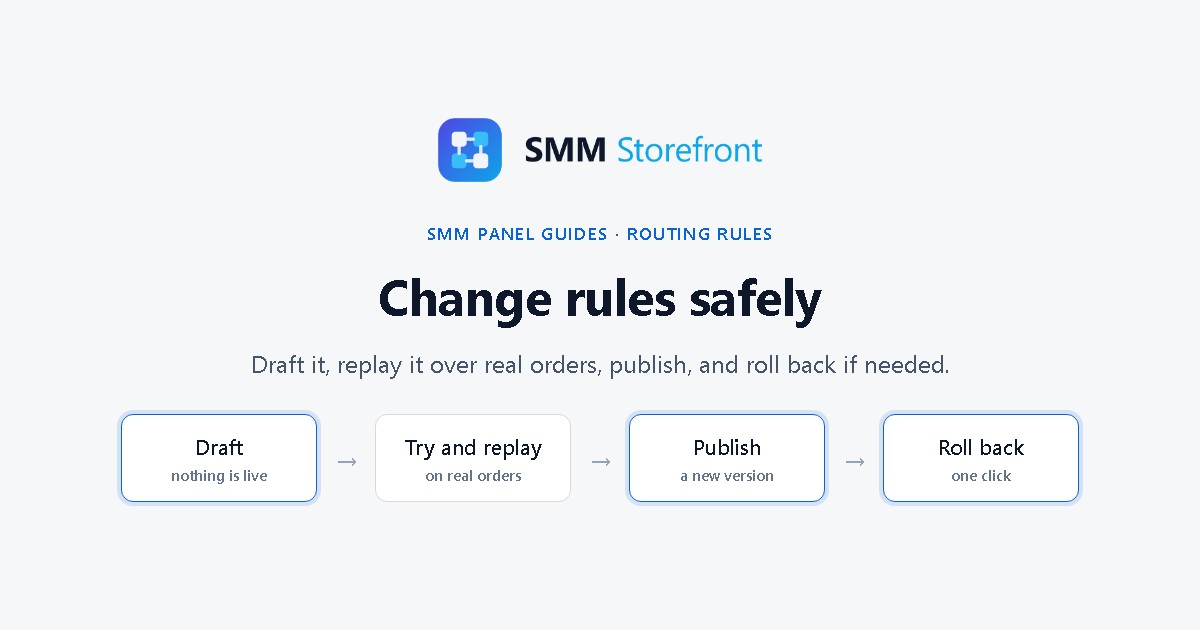
Prefer to watch? The video covers everything below in a little over a minute.
The problem
On most panels a provider setting is live the moment you save it. Orders in progress pick up the change half way, there is no way to see what it would do first, no record of what it was before, and no undo.
What the panel does
| Step | What it gives you |
|---|---|
| Draft | Your edits are saved, and nothing is live. |
| Try an order | Where one quantity or link would go, and what it would cost. |
| Replay | The draft run over the service's last 200 real orders, next to the published version. |
| Publish | A new version. Orders already running keep the version they started with. |
| History | Earlier versions, a diff against any of them, and a roll back. |
Step by step
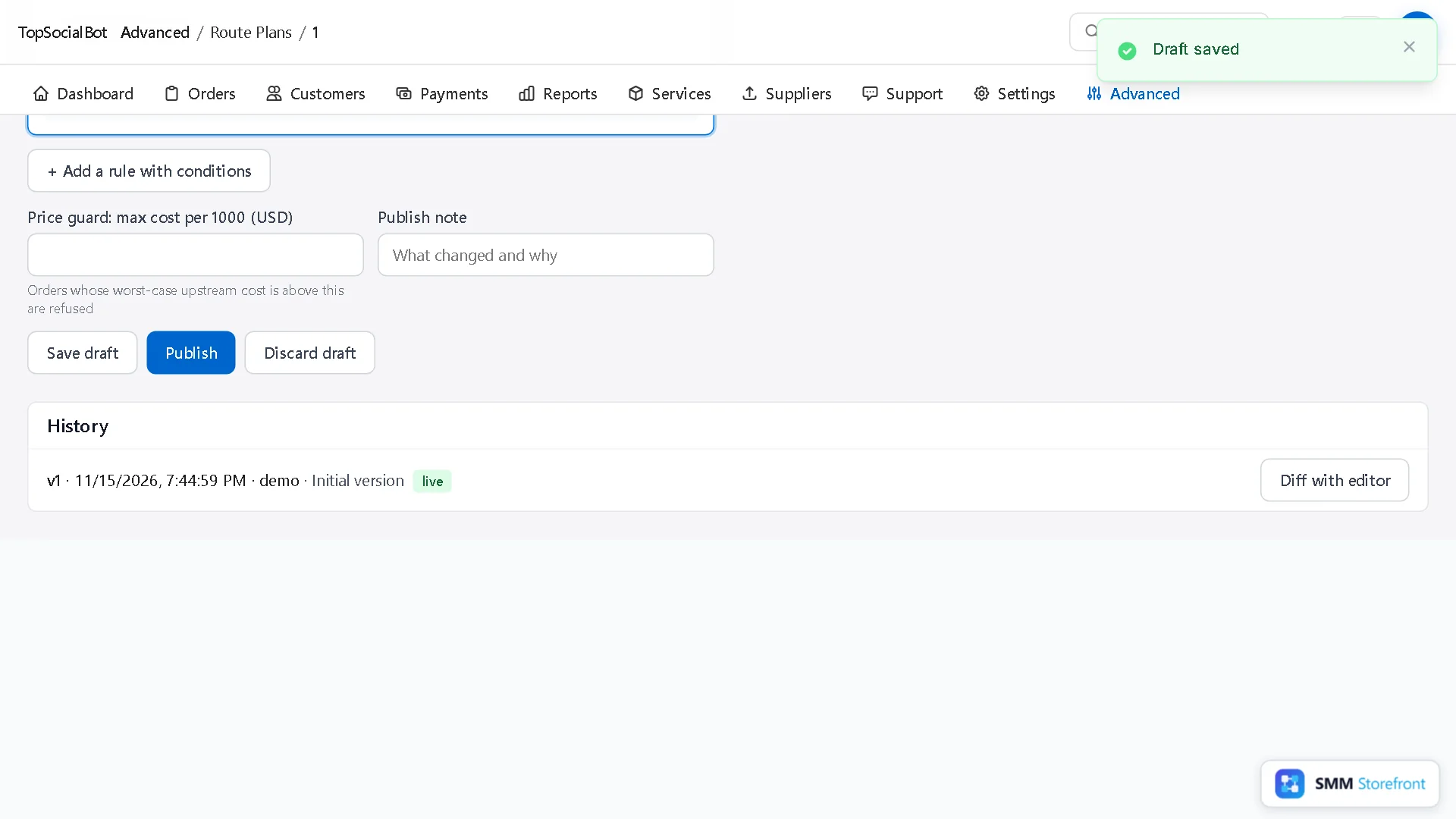
1. Edit, then Save draft
Make your change in the service's forwarding rule, here a backup supplier, and click Save draft. You can leave and come back; the draft waits.
2. Try an order
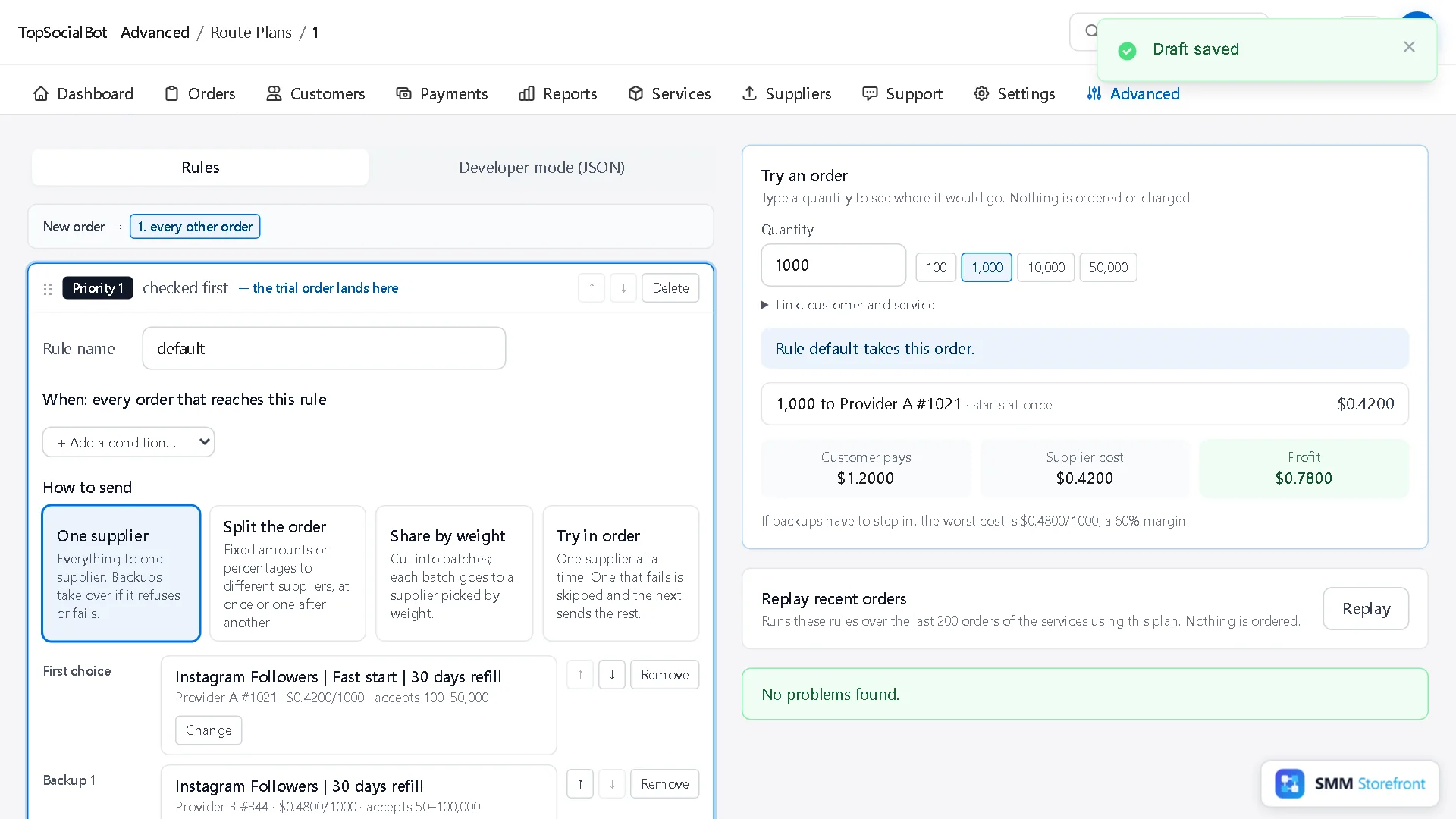
Try an order uses the rules as they are in the editor, draft included.
3. Replay recent orders
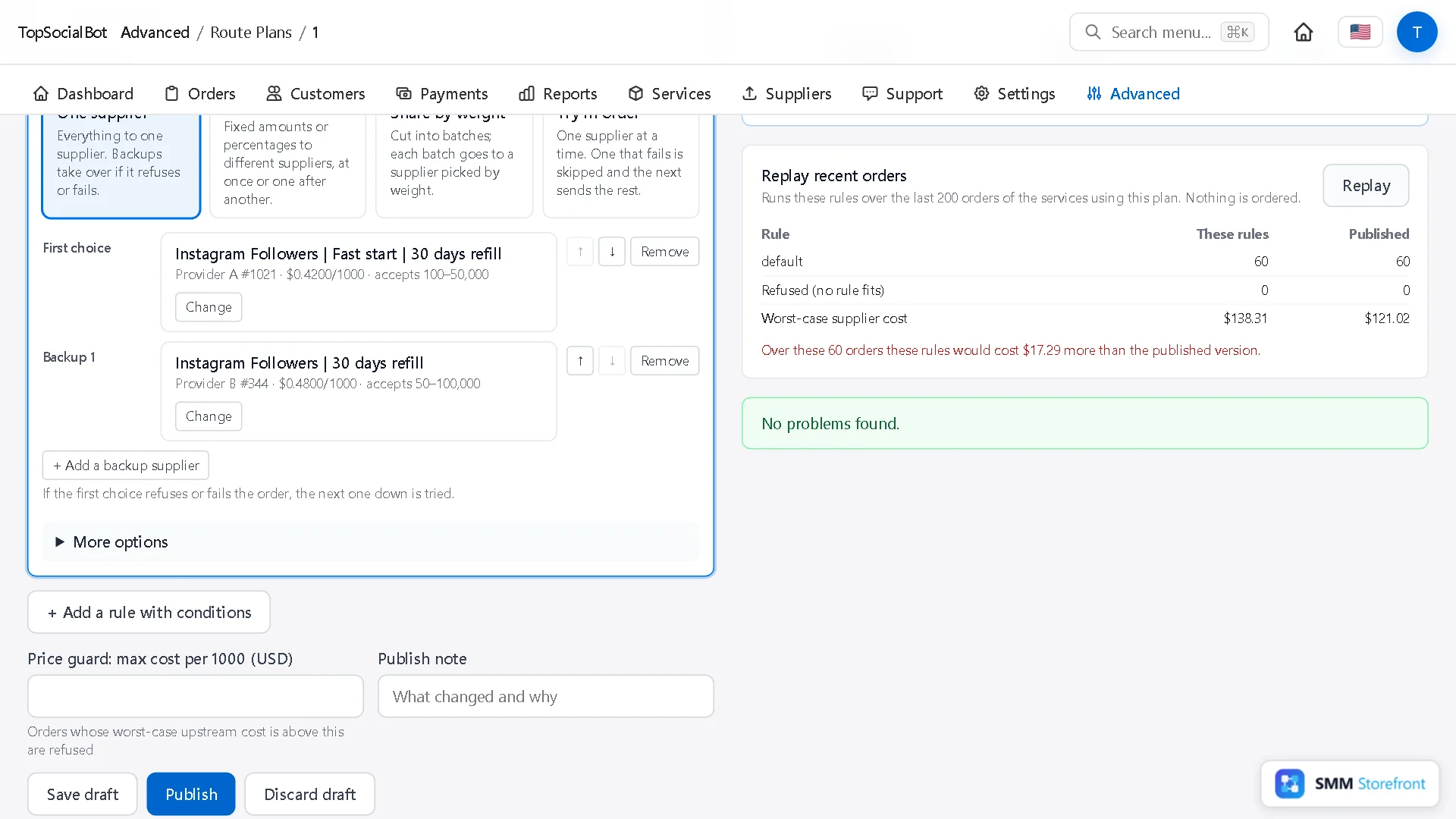
Click Replay. The panel runs your draft over the last 200 orders of the services that use this rule and compares it with the published version: which rule would have taken each order, how many would have been refused, and the worst-case supplier cost in total. Nothing is ordered.
4. Publish with a note
Write what changed and why, then Publish. If the editor has warnings, it asks you to confirm them first; errors block publishing until they are fixed.
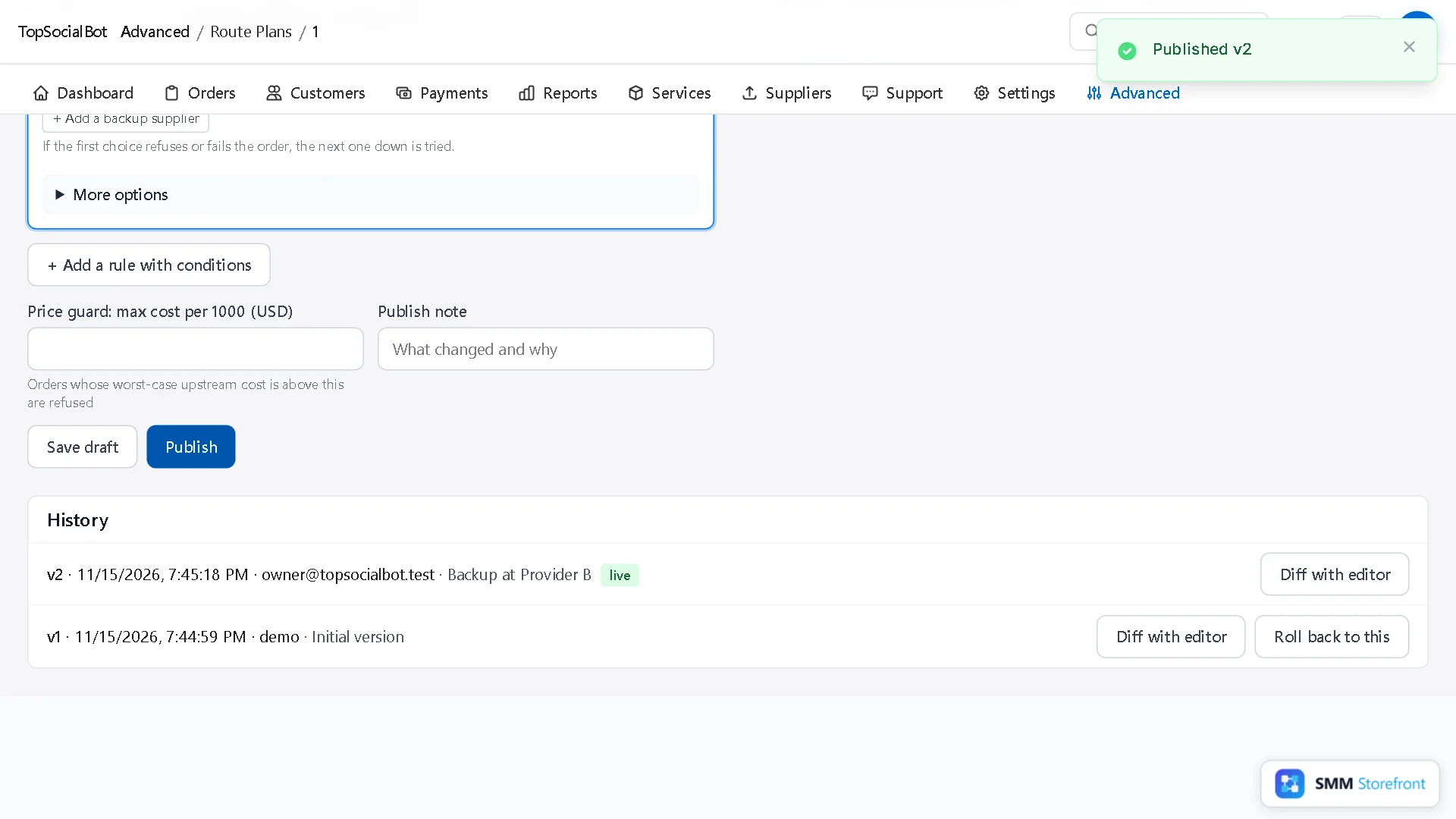
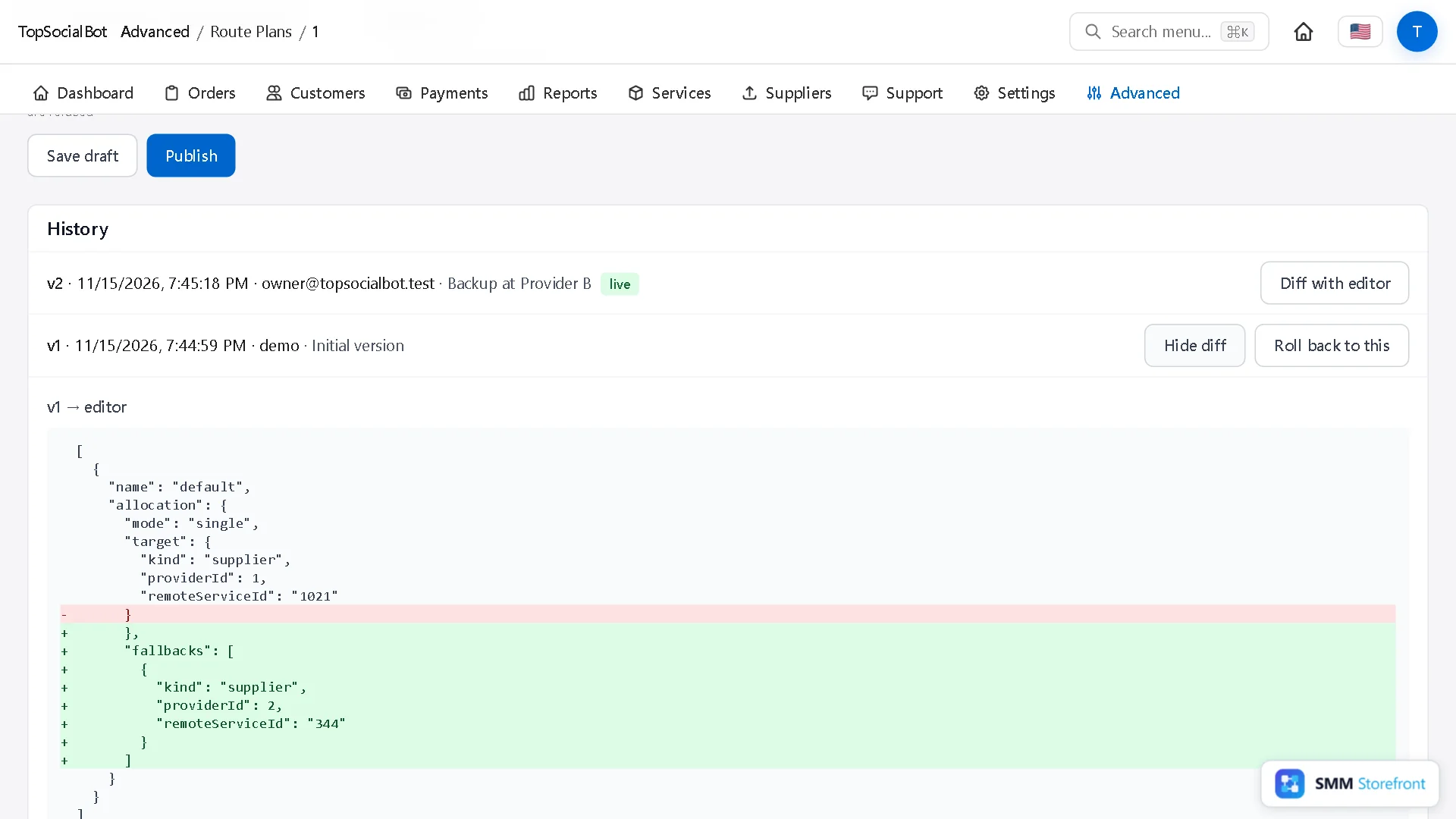
5. Diff and roll back
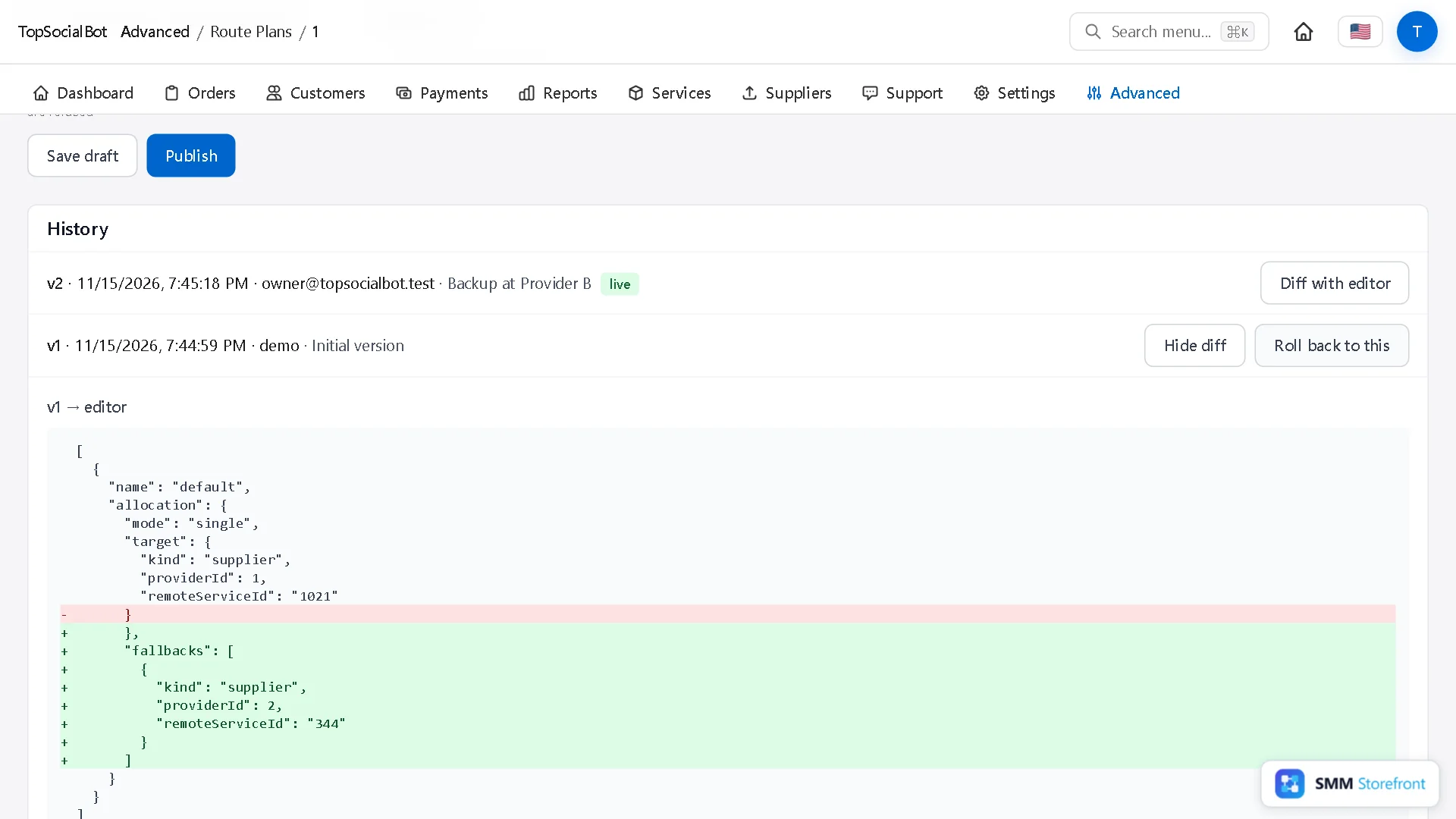
Under History, Diff with editor shows what differs between a version and what is in the editor now. Roll back to this republishes that version as a new one, so the history stays complete.
Questions
How many versions are kept?
The last 50.
Does a roll back affect orders already running?
No. Like any publish, it applies to new orders; running orders finish on the version they started with.
Can I throw a draft away?
Yes: Discard draft, next to Publish.
What to do next
- How to make sure a supplier price rise never makes you sell at a lossMake sure a supplier price rise shows up as a warning and never as a loss.
- How to add backup providers to a service, so one provider going down does not stop your ordersOne supplier is a single point of failure. Give each service a backup that takes over by itself.
- What happens when a supplier times out or rate limits you, and why no order is paid for twiceSee what the panel does when a supplier times out or rate limits you, so no order is paid for twice.
About the author

Marcus Reed
Head of Storefront Operations
Former SMM panel operator. Writes about launch timelines, payment routing, and what resellers need before day one.