
How to send what a provider did not deliver to another provider
16 नवंबर 2026

Marcus Reed
Head of Storefront Operations
A provider delivers 6,000 of 10,000 and stops. Instead of refunding the other 4,000, have another provider finish the order. Video and screenshots.
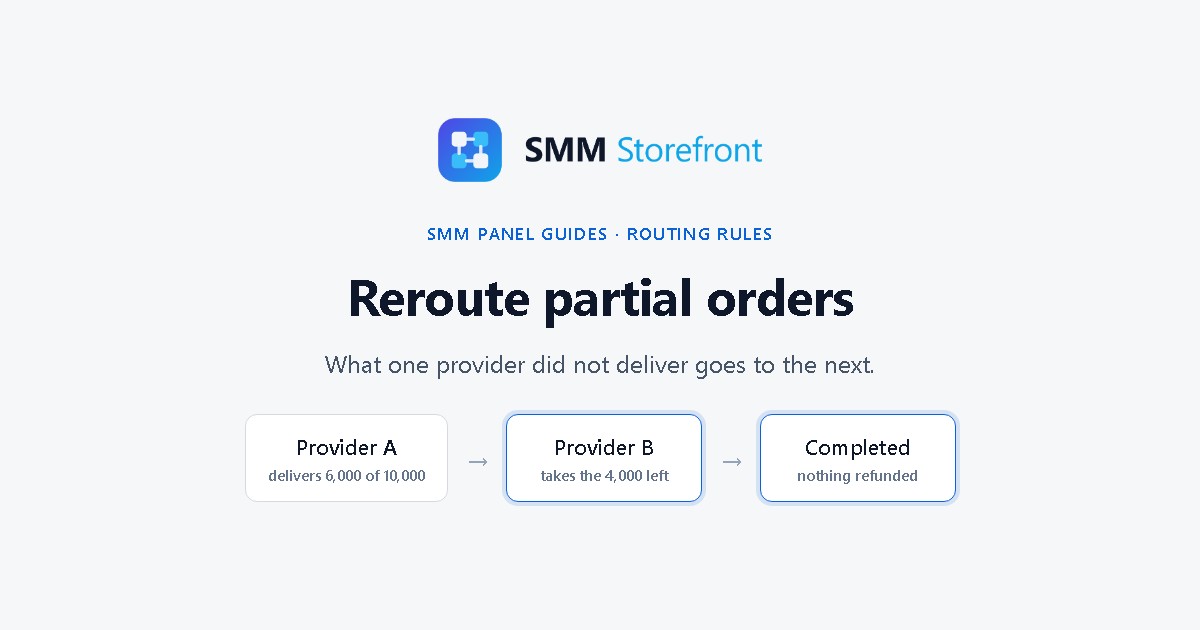
Prefer to watch? The video covers everything below in about a minute.
The problem
A provider takes an order for 10,000, delivers 6,000 and marks it partial. On most panels the other 4,000 is refunded to the customer. You did the work of selling the order and lose 40% of it, and the customer has to order again somewhere, often not from you.
What the panel does
For each rule you choose what happens when a part ends short, partial or canceled:
- refund what is left to the customer, the default, or
- send what is left to another supplier, which you name.
With the second one, the 4,000 goes to the provider you named, and the order completes as one order.
Set it up
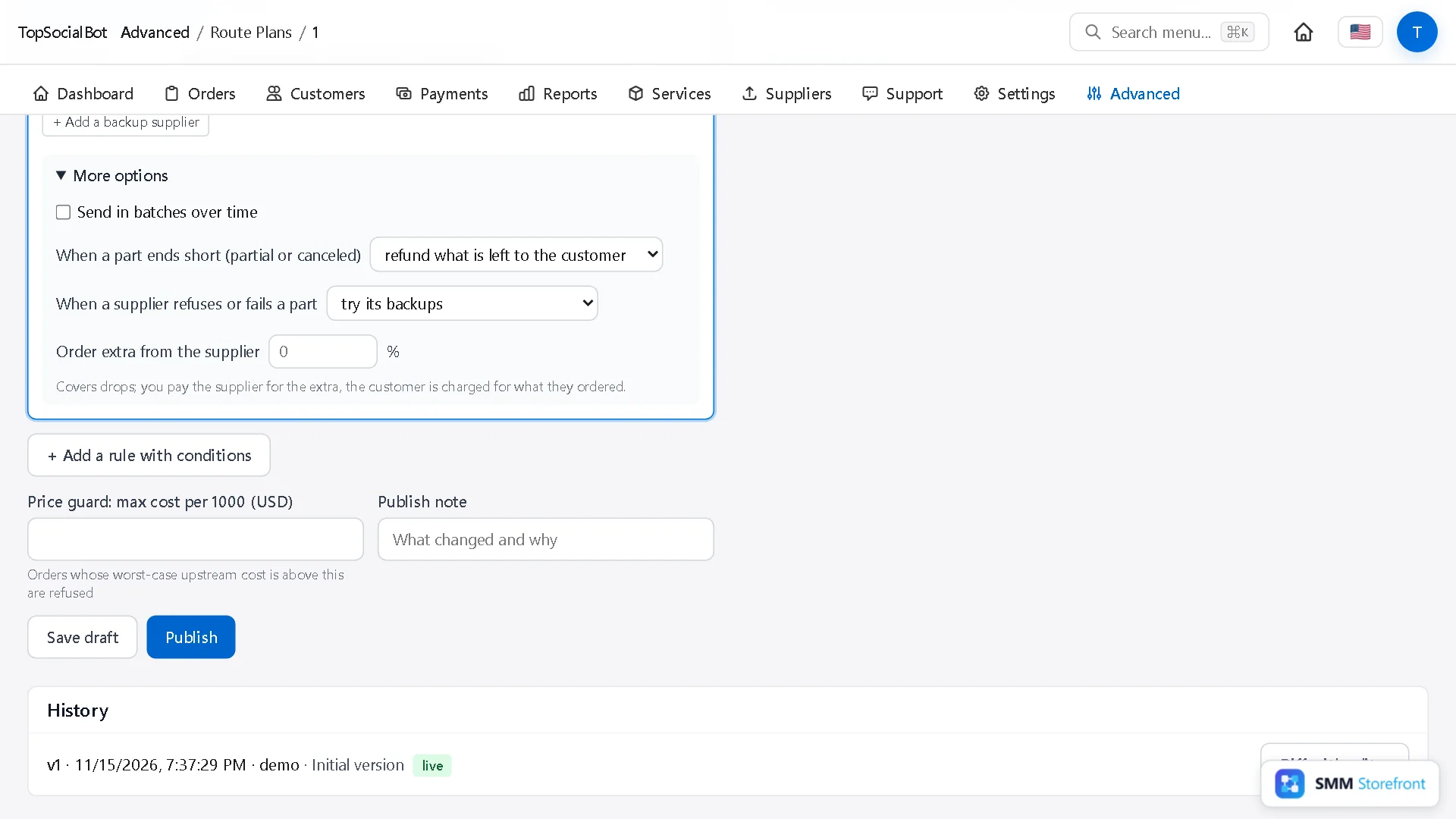
1. Open More options
Open Services, click Forwarding rules in the strip at the top, and open the rule named after your service.
In the rule, expand More options.
2. Choose "send what is left to another supplier"
Next to When a part ends short (partial or canceled), change the setting.
3. Name the provider for leftovers
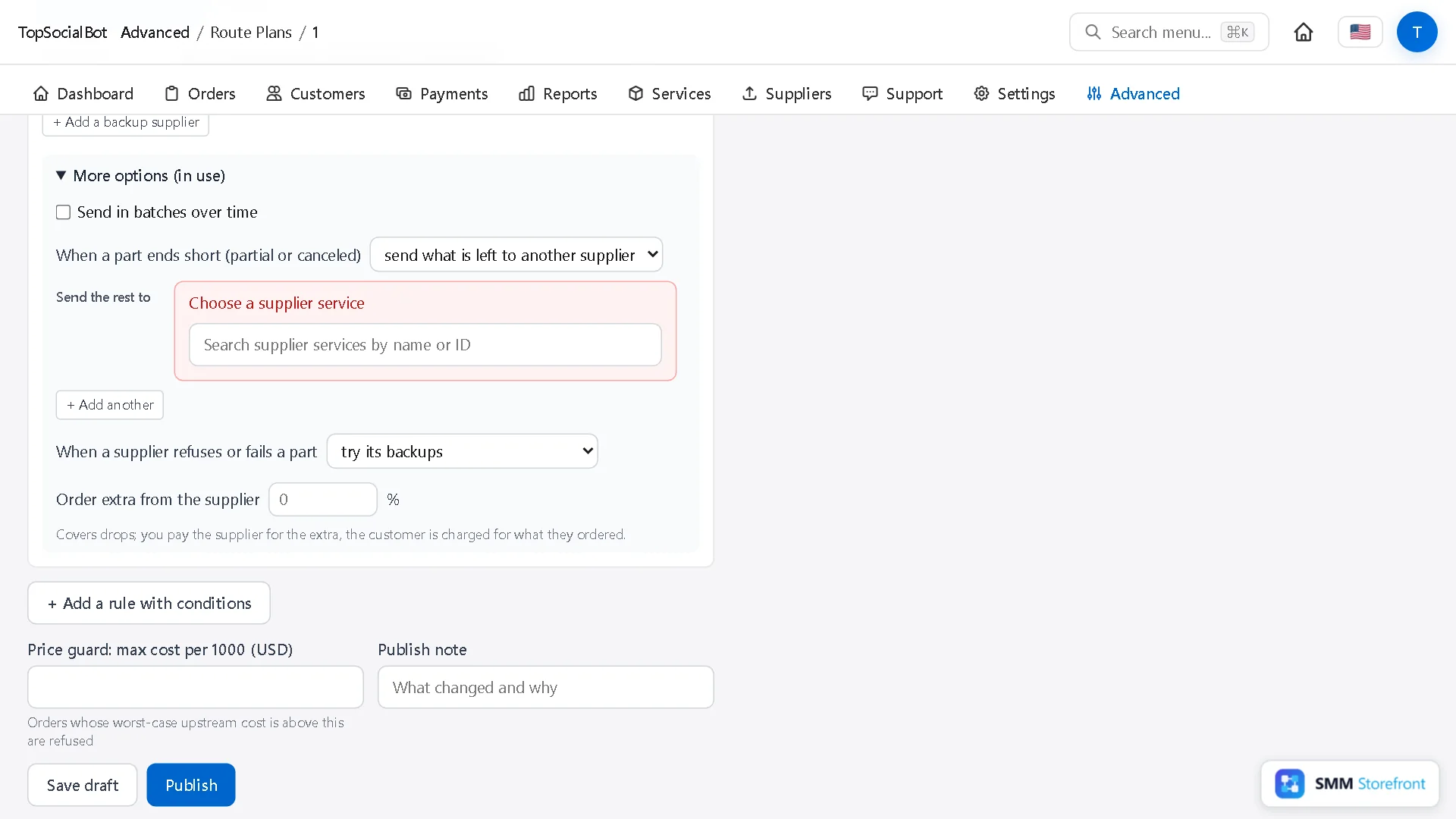
Under Send the rest to, pick the supplier service. + Add another lets you list more than one.
4. Publish
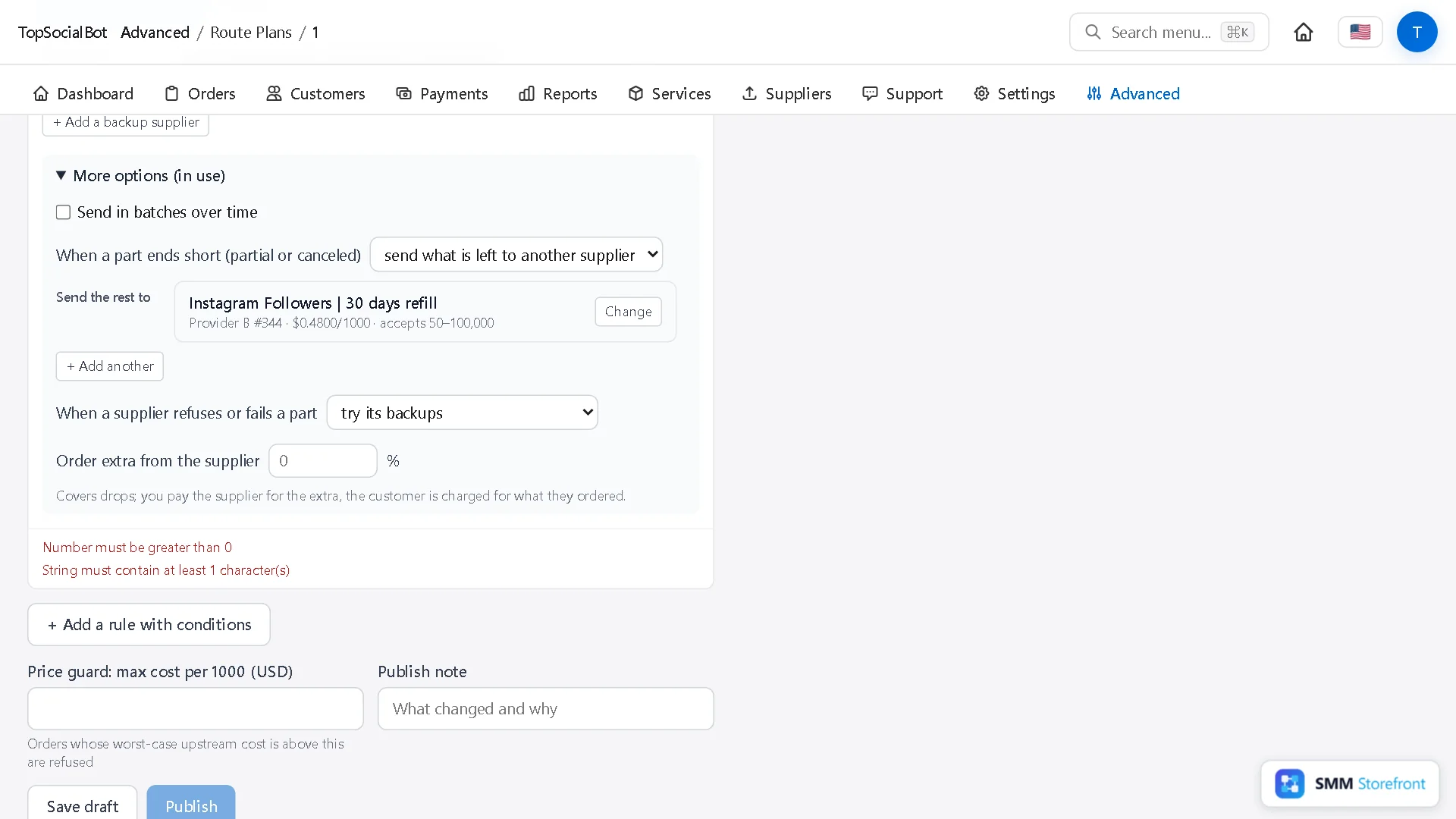
Add a note and click Publish. It applies to new orders on this service.
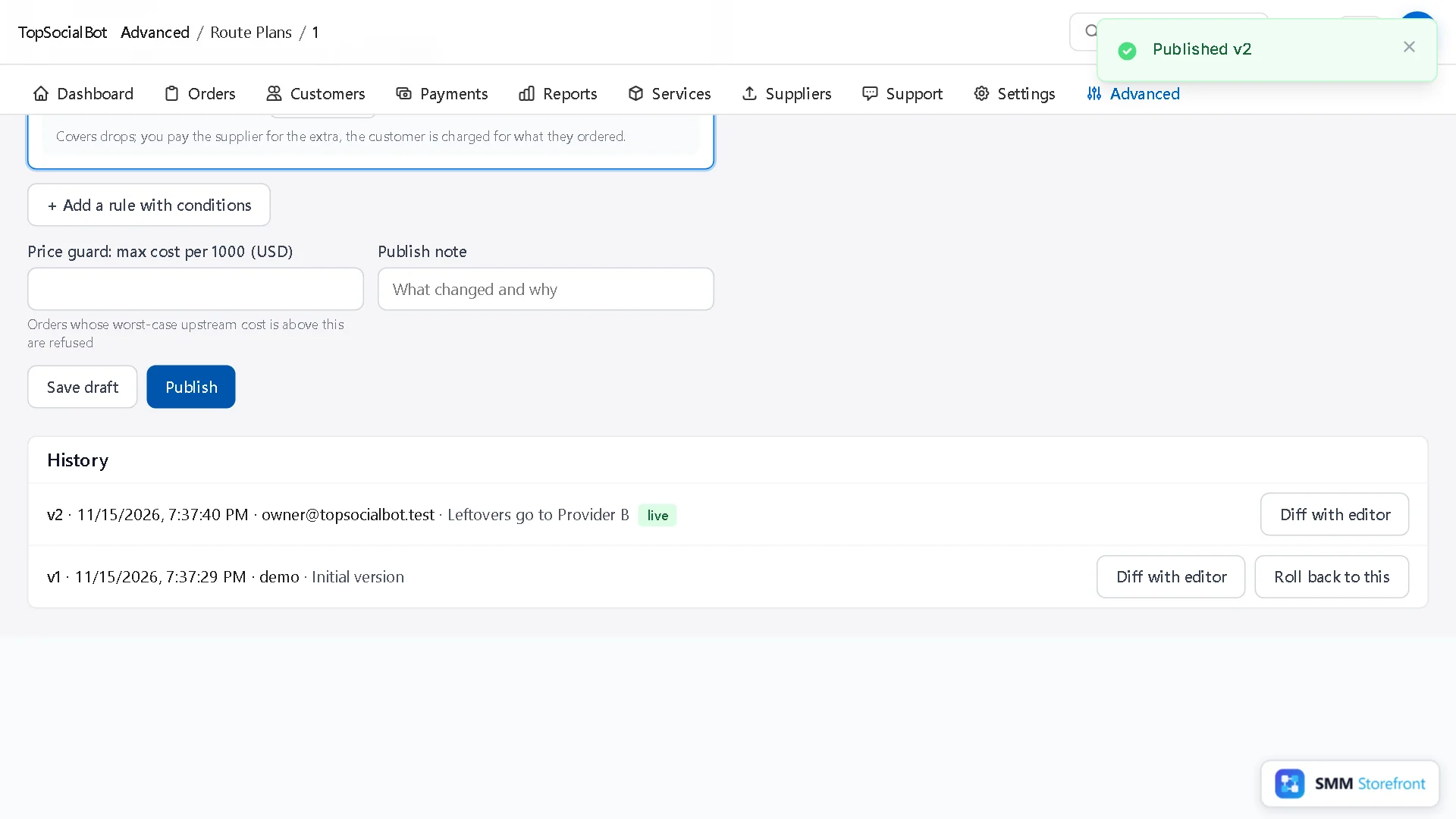
Two limits that keep it safe
Leftovers or backups?
| What happened | Handled by |
|---|---|
| The provider rejects the order, or cancels it with nothing delivered | Backup suppliers: the next one takes the whole order. |
| The provider delivers part of it and stops | This setting: another provider takes what is left. |
Most services want both.
Questions
Does the customer pay again?
No. They paid for the full quantity once, and they get it.
What does the second provider cost me?
Its own rate for the quantity it delivers. Pick one whose cost is still below your price.
What to do next
- How to add backup providers to a service, so one provider going down does not stop your ordersOne supplier is a single point of failure. Give each service a backup that takes over by itself.
- How to deliver big orders in batches over time, without asking the customerDeliver big orders in steady batches, even when the customer did not ask for drip-feed.
- What happens when a supplier times out or rate limits you, and why no order is paid for twiceSee what the panel does when a supplier times out or rate limits you, so no order is paid for twice.
About the author

Marcus Reed
Head of Storefront Operations
Former SMM panel operator. Writes about launch timelines, payment routing, and what resellers need before day one.