SMM Panel

An SMM panel that keeps orders moving when a provider lets you down

Most panels tie each service to one provider, so when that provider stalls, your orders stall with it. Here every service runs on routing rules: split an order across providers, switch when one rejects, resend what a partial order left, and refuse anything that would sell at a loss.

Your own domain, a 7-day free trial, and an API your customers already know.

One order, start to finish

What happens after a customer clicks Order

The customer sees one order with one status. Behind it, your rules decide which providers get which part, and what to do when one of them fails.

1Order comes in

Web form or /api/v2

2Checks first

Limits, duplicate link, price

3Rule picks the route

By size, link or customer

4Parts go to providers

Split, drip or one at a time

Failures handled

Fallback, then reroute, then refund

Routing rules

Eight problems every panel owner knows

Each one used to mean a ticket, a refund or a night of switching services by hand. Each one is now a setting on the service.

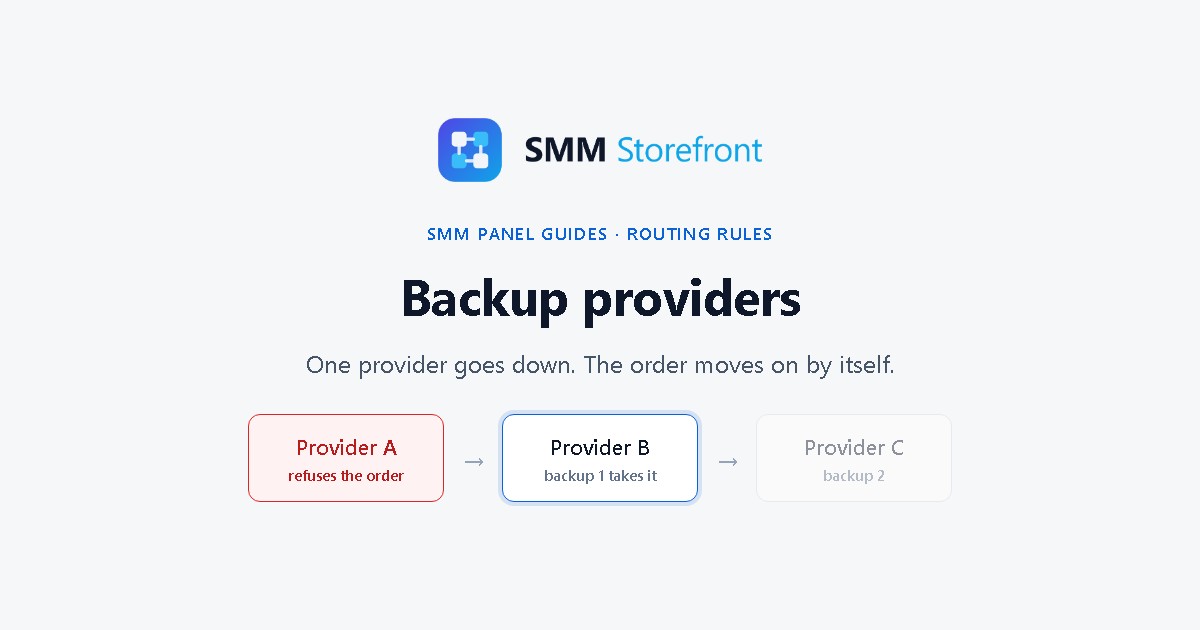
One provider goes down and takes your orders with it

The problem

A service is tied to a single provider. When that provider stops accepting orders, every new order fails. You hear about it from angry tickets, then switch providers by hand, sometimes at 3 a.m.

How the panel handles it

Give each service a list of backup providers. When one rejects an order, the panel sends it to the next one with the same quantity. Nobody has to be awake for it.

Watch the guide →

The cheapest provider for 100 is not the best one for 50,000

The problem

One provider is cheap on small orders and slow on big ones, another is the opposite. With one provider per service you give up either margin or speed.

How the panel handles it

Pick the route by order size: under 1,000 goes to A, anything larger goes to B. Or split one order: the first 500 to A and the rest to B, 20% to A and 80% to B, or chunks spread across several providers by weight.

Watch the guide →

Different links need different providers

The problem

Live videos, Reels and company pages often need a different provider. So you build duplicate services, and customers keep picking the wrong one.

How the panel handles it

Match by link pattern. One service sends links containing /live/ to one provider and everything else to another. The customer sees a single service.

Watch the guide →

A partial order turns into a refund and a lost sale

The problem

A provider delivers 6,000 of 10,000 and marks the order partial. You refund 4,000, and that revenue is gone.

How the panel handles it

Name a provider for leftovers. What the first one did not deliver is sent there automatically. Leftovers are resent once, so a bad provider cannot loop an order forever, and anything below every provider's minimum is refunded.

Watch the guide →

A big order lands all at once

The problem

Fifty thousand followers in one go is exactly the kind of delivery that drops, and drip-feed only happens when the customer remembers to turn it on.

How the panel handles it

Set the pace on the service: for example 2,000 every hour, or start the next part only after the previous one finishes. The customer still places one order.

Watch the guide →

A provider raises its price and you sell at a loss

The problem

A provider quietly raises its rate. You keep selling at the old price and find the loss days later in a report.

How the panel handles it

Provider rates are synced every hour. Before any money moves, the panel works out the worst-case cost of the order. If it would cost more than you charge, or more than the cap you set per 1,000, the order is refused instead of being sold at a loss.

Watch the guide →

One wrong edit breaks orders that are already running

The problem

You change a provider setting and orders in progress start going wrong. There is no undo and no record of what changed.

How the panel handles it

Edits start as a draft. Try it on a sample order, then replay it over the service's last 200 real orders to see where each would go and what it would cost. Running orders keep the version they started with. The last 50 versions stay one click away, with a diff between any two.

Watch the guide →

A timeout, and you pay for the same order twice

The problem

A provider times out or starts rate limiting you. The panel retries, the order is placed twice, and you pay for both.

How the panel handles it

A rate limit is treated as "wait", not "failed": the panel slows down for that provider and sends again later, to the same provider. When it is unclear whether an order went through, it is held for you to check instead of being placed a second time.

Watch the guide →

Running the panel

The rest of the day-to-day

Routing is the headline. These are the smaller things that eat an owner's week.

Moving panels means every customer rewrites their scripts

The problem

Resellers and child panels call your API from their own code. A different API means they leave instead of migrating.

How the panel handles it

The customer API at /api/v2 takes the standard panel calls: services, add, status for one or many orders, balance, refill, refill status and cancel. Existing scripts work by changing the URL and key.

Your best resellers want better rates

The problem

Every big customer asks for a discount, and keeping a spreadsheet of who pays what never stays right.

How the panel handles it

Set a discount or a custom rate per service for each customer. The panel shows your cost next to it, so you can see the margin before you agree.

You cannot tell which provider is failing

The problem

Partials and slow orders pile up, and the only way to find the cause is to open orders one by one.

How the panel handles it

The provider health page shows, for each provider over the last 7 days, the share of orders that ended partial and the average time to complete.

A customer says their balance is wrong

The problem

Without a full record of every balance change, a balance dispute is your word against theirs.

How the panel handles it

Every deposit, charge and refund is written to a ledger, and a nightly check compares each customer's balance with it, so a mismatch shows up before the customer finds it.

Customers order from their phones

The problem

Old panel screens were made for a desktop. On a phone, the order form is a fight.

How the panel handles it

Choose the classic panel layout your customers know, or a modern layout built for phones first. Ordering, refill and cancel work the same in both.

Your customers do not all read English

The problem

A panel in one language turns away buyers who would have paid.

How the panel handles it

Turn on the languages you sell in. Customers switch language on the site, and the service list and order pages follow.

Side by side

Compared with a typical panel script

The order and customer basics are much the same. The difference is what sits between an order and your providers.

What you need Typical panel script SmmStoreFront panel
Providers per service One Several, chosen by rules
Provider rejects an order Order fails, you switch by hand Next backup gets it automatically
Partial delivery Refund the rest Resend the rest to another provider
Route by size, link or customer Separate services One service, several rules
Provider raises prices Seen later in reports Loss-making orders refused up front
Changing settings Live edit, no undo Draft, replay, publish, roll back
Customer API Standard /api/v2 Same standard /api/v2

Based on the admin of a widely used panel script as we reviewed it in October 2026. Other panels and later versions may differ.

Pricing

Pay by how many orders you ran last month

Your first month is billed on the lowest tier. After that, each month's tier follows the number of orders the previous month.

Plan Orders in the previous month Per month
A Up to 1,000 $50
B 1,001 to 5,000 $75
C 5,001 to 15,000 $100
D 15,001 to 50,000 $150
E More than 50,000 $200

Prices in USD, as listed in the merchant dashboard at the time of writing.

  • 7-day free trial before the first invoice.
  • Each customer order counts once, however many providers it was split across.
  • Invoices are paid from your panel wallet, which you top up in the merchant dashboard.
  • If an invoice stays unpaid 7 days, new orders pause. Your site, balances and running orders keep working.

Up to 50,000 orders a month, these are the same prices PerfectPanel lists. Above that, ours stays at $200 a month, while PerfectPanel's list price keeps rising: $250 from 100,001 orders, and $50 more for every further 100,000.

PerfectPanel prices are its public list prices on perfectpanel.com/pricing as of November 2026 and may change. We offer a 7-day free trial; its pricing page lists none.

Questions panel owners ask

Can I keep the providers I use now?

Yes. Add any provider that offers the standard panel API with its URL and key, then import its services. You can add several and mix them in one service.

Do I need my own domain?

Yes. You connect a domain you own with a CNAME record, and the panel runs on it under your brand.

Does the platform buy from another provider on my behalf when one fails?

Only where your rules say so. If a service has no backup provider, a rejected order waits for you to resend or close it. Nothing is bought outside the rules you set.

Can other panels resell my services?

Yes. Another panel can add yours as a provider through /api/v2 with a customer account and API key, the same way child panels work elsewhere.

Do drip-feed and subscriptions work?

Yes. Customers can set runs and interval on an order, and subscription orders for future posts are supported. Your own pacing rules can also drip any order without the customer asking.

How do I start?

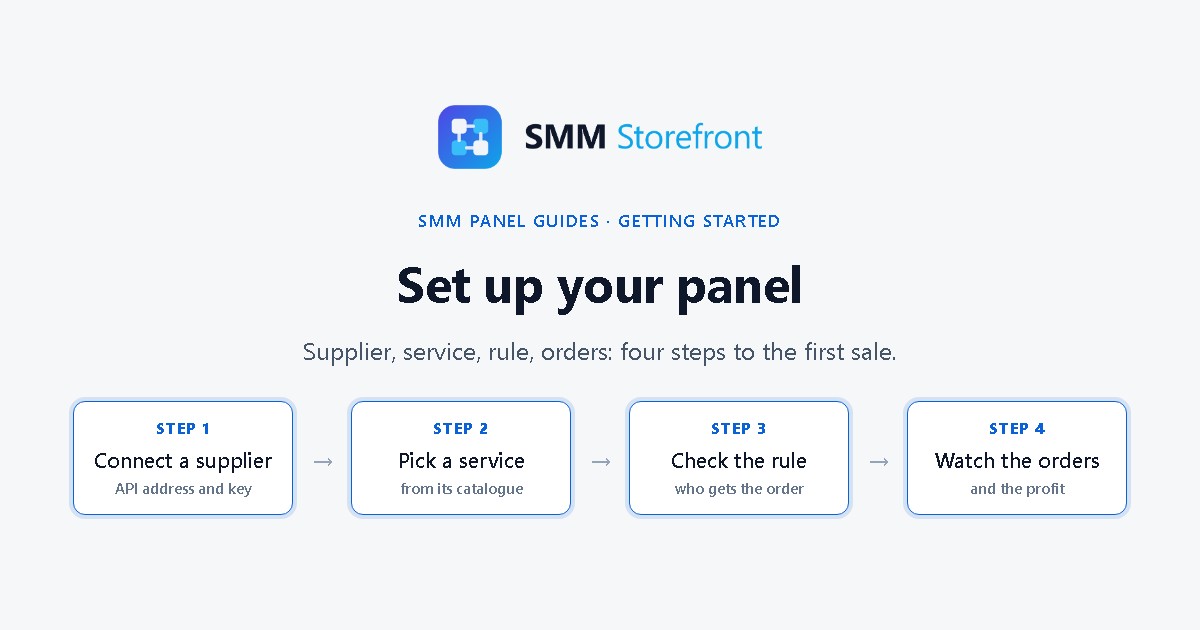
Create a merchant account, open Add site → SMM panel in the merchant dashboard, connect your domain, add a provider and import its services. The 7-day trial starts when the panel goes live.

Ready to run your own panel?

Connect your domain, add a provider and import its services. The 7-day trial starts when the panel goes live.